Featured, Programming, Projects
Best Code Editors for Programmers in 2026
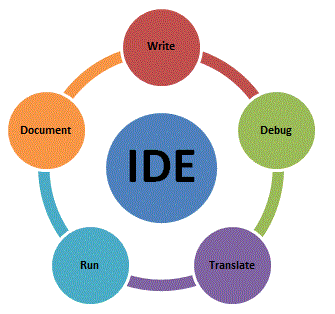
Choosing a code editor changes how fast you write, debug, and read code. The options below range from keyboard-driven editors built in the 1970s to modern IDEs with built-in debuggers and cloud sync. This is not a beginner’s guide. It covers what each editor is actually good at so you can make an informed pick.
If you need assignment code written and tested by working developers, Do My Programming Homework lists the languages and turnaround options.
Editors for experienced developers
These two reward the learning curve with raw speed and deep customizability. Both are available on every major OS.
Vim
Vim is a modal editor: one mode for navigation and commands, another for inserting text. That split feels unnatural for the first few hours, then clicks into muscle memory. After that, you move and edit code without ever reaching for the mouse. Large codebases, SSH sessions, and config files are where Vim earns its reputation.
Emacs
Emacs is a programmable environment built around Lisp. If Vim optimizes for editing speed, Emacs optimizes for extensibility. Email, shell sessions, org-mode planning, and custom IDE-like features are all possible without leaving the editor. The learning curve is comparable to Vim; the ceiling is higher.
IDEs for professional projects
These editors include project management, build-tool integration, and language-aware refactoring out of the box. They are heavier than Vim or Emacs but do more without plugins.
Eclipse
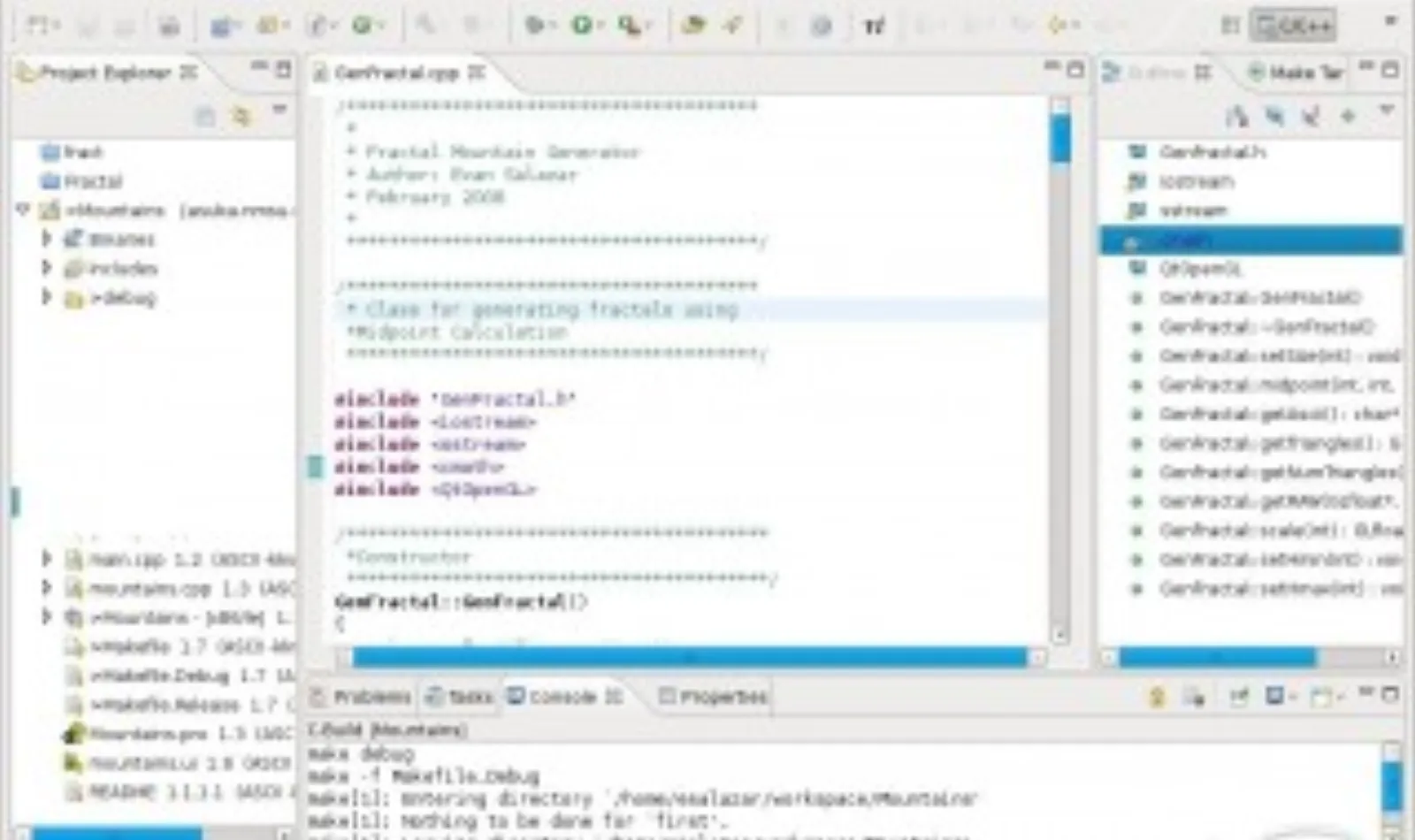
Eclipse is the long-standing choice for Java development and still ships as the base for Android Studio. The plugin ecosystem covers C/C++, PHP, and Python too. It is free, open-source, and works on Windows, macOS, and Linux.
NetBeans
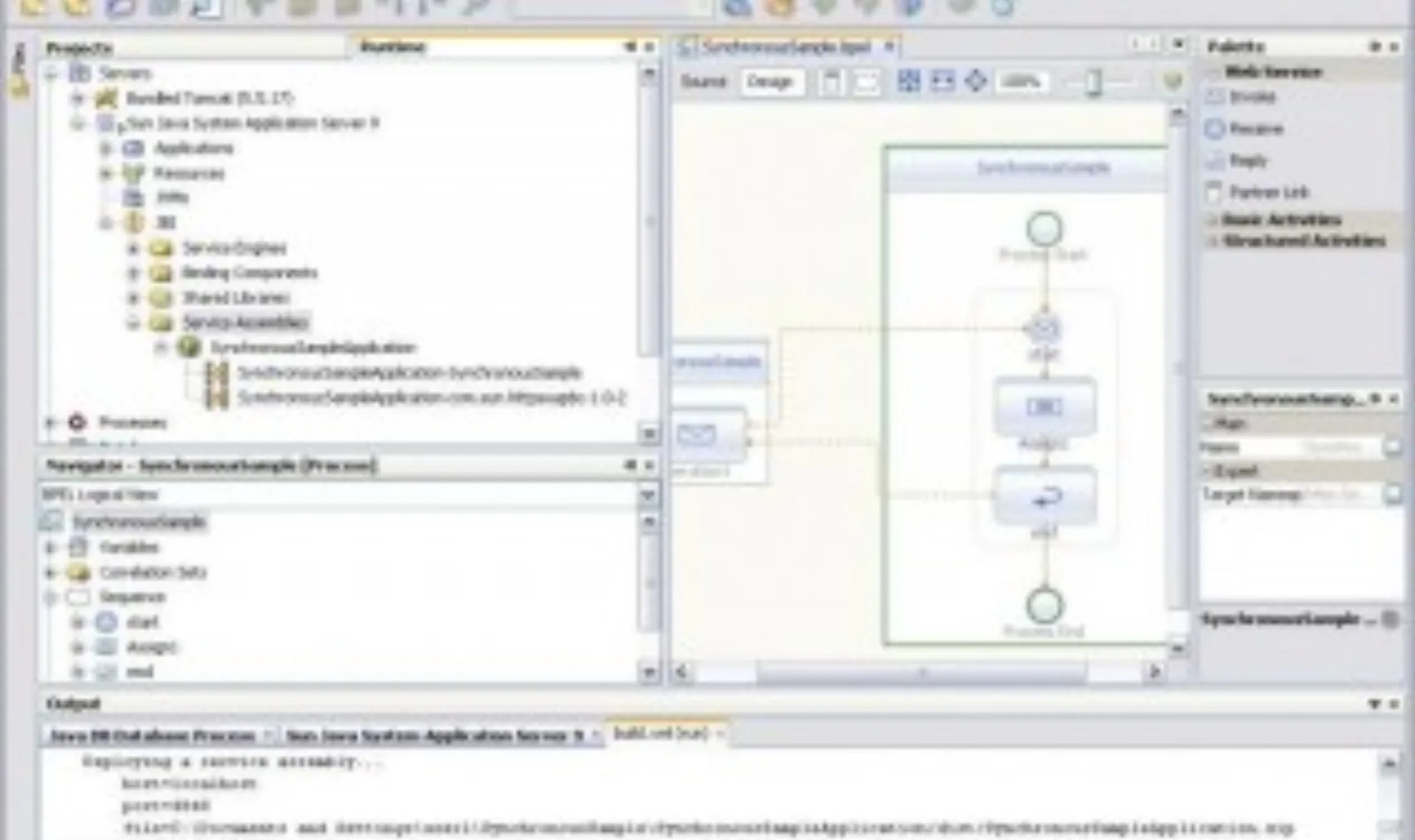
NetBeans is the official IDE for Java SE, Java EE, and Java ME development from Apache. It handles project templates, build scripts, and unit test runners without extra setup. A solid choice when a team wants zero configuration on day one.
Aptana Studio
Aptana Studio focuses on web development: HTML, CSS, JavaScript, Ruby on Rails, and PHP. It ships with a built-in terminal, FTP/SFTP client, and Git support. Less common than it was in 2014 but still maintained and free.
Aptana Studio (the project site is offline) | Wikipedia
Visual Studio
Visual Studio is Microsoft’s full IDE for Windows and macOS. It is the dominant tool for C#, .NET, and ASP.NET projects. The Community edition is free for individual developers and open-source projects. The debugger and profiler are best-in-class for managed code.
Visual Studio website | Wikipedia
Xcode
Xcode is Apple’s IDE for macOS and iOS development. Swift, Objective-C, and the full Apple SDK are built in. If you are building a Mac or iPhone app, Xcode is not optional: it is the only officially supported path to App Store submission.
Code::Blocks
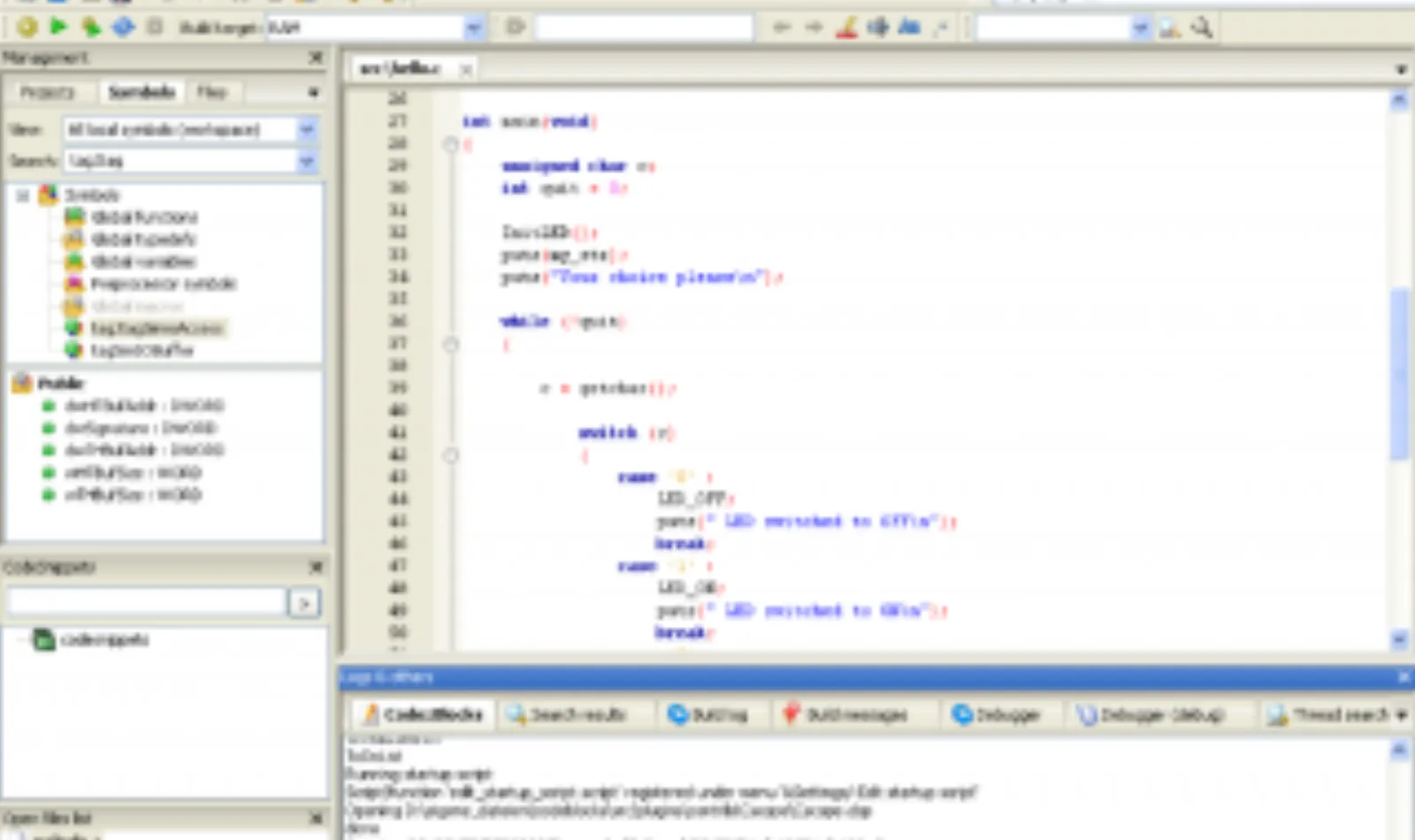
Code::Blocks is a free, open-source IDE aimed at C, C++, and Fortran. It is lighter than Eclipse and runs well on older hardware. Plugin support extends it to wxWidgets, Fortran, and embedded-C toolchains. Easy to set up for a first compiled-language project.
The editor worth starting with today
Sublime Text is the pick for most developers who are not yet committed to Vim or a full IDE. It is cross-platform (Windows, macOS, Linux), opens instantly even on large files, and supports every major programming language through syntax packages.
The features that matter day to day: multiple cursors, code folding, split panes, a project sidebar, and a command palette that replaces most menu navigation. Themes and plugins are available through Package Control. The free evaluation has no time limit; a license costs $99 per user (as of 2026).
Sublime Text has been updated continuously since 2008. Build 4 introduced syntax-based code completion and GPU rendering. It is not a toy editor.
Sublime Text website | Wikipedia
How to pick
| Goal | Editor |
|---|---|
| Fast text editing over SSH | Vim |
| Fully customizable environment | Emacs |
| Java or Android projects | Eclipse or IntelliJ IDEA |
| .NET / C# / Windows apps | Visual Studio |
| macOS / iOS development | Xcode |
| General-purpose, low friction | Sublime Text or VS Code |
| C/C++ on modest hardware | Code::Blocks |
The editor shapes your habits more than most tools. Try 2 options for a week each before committing. Switching later is not hard, but it costs time.
For related reading: Write Better Code: Names, Comments, Format covers the conventions that make code readable no matter which editor you use. 8 Tips to Be a More Productive Programmer tackles the workflow habits around the editor.
Related articles
-
 Featured
Python Programming for Beginners
Python is an interpreted, dynamically typed language with a clean syntax that suits both beginner projects and production-grade systems. Here is how it works.
Nov 11, 2014
-
 Featured
Programming Project Ideas to Build and Earn
10 programming project ideas for students and developers: web apps, social networks, computer vision, robotics, and open source contribution.
Oct 15, 2014
-
 Featured
10 Security Project Ideas for Final Year
Ten concrete final year project ideas in information security and ethical hacking, from 2FA integrations to WiFi-based detection systems.
Oct 14, 2014