Android
Kotlin for Android: 13 Reasons to Switch
· Eric B.
Kotlin is Google’s preferred language for Android development. Far from being a risky bet, adopting it is one of the best moves you can make as an Android developer. Here are 13 concrete reasons why.
1. Google treats Kotlin as a first-class Android language
Java and C++ were the original official languages of Android. Google now supports Kotlin alongside them, with the platform team actively prioritizing Kotlin APIs and documentation.
Android and Google drive the Kotlin programming language, developed by JetBrains, the same company behind Android Studio and IntelliJ IDEA. Kotlin runs on the JVM (Java Virtual Machine), the same runtime that executes Android applications.
Kotlin is object-based like Java, but the syntax is significantly simpler, which improves code readability and reduces the chance of misunderstandings. It also adds language-level features Java lacks, such as better null handling at runtime.
2. The language and tooling are mature
Unlike many languages that ship a v1.0 before the rough edges are fixed, Kotlin went through multiple alpha and then beta cycles before the stable release. Developers were using it in real production projects before the beta was even announced.
The IDE plugin works correctly and already supports most of the functionality available for Java. Working with Kotlin in Android Studio is smooth in practice.
3. Kotlin simplifies Android development significantly
Kotlin pairs simplicity with expressive power. For developers coming from Java, it opens approaches that simply are not possible in Java 6.
It is the most practical alternative to Java for building Android applications. Other alternatives such as Scala add heavy compilation overhead and slow tooling. Kotlin’s compilation speed is comparable to Java’s (some benchmarks show it is faster), and the runtime library is small enough that it does not push you past Android’s method-count limits.
4. Android Studio integration works from the start
Without knowing a line of Kotlin you can have a project set up and running in under 10 minutes. No plugin configuration, no extra setup steps.
From there, everything works the same way as with Java: run from the IDE, debug, refactor, and use incremental compilation. All the tooling you already rely on is available.
5. JetBrains has strong incentives to keep Kotlin evolving
JetBrains uses Kotlin in its own products, which means the company has direct motivation to keep improving it. Android is their largest external market, so it receives focused attention.
Features like Kotlin Android Extensions (for view binding) and libraries like Anko (note: largely superseded by Jetpack in 2021, but indicative of early ecosystem investment) show the consistent effort to make the Android developer experience better. Compilation times and binary size have improved steadily across releases.
6. If you write Android, you benefit from learning modern language concepts
Writing Java 6 every day limits how you think about problems.
Once you use a language with first-class support for lambdas, extension functions, functional operations on collections, sealed classes, and data classes, your thinking changes even when you go back to Java. You start solving the same problems differently.
You also become more versatile. These concepts appear under different names in Swift, Groovy, Ruby, and most modern languages. Once you understand them in Kotlin, moving between languages is much easier because you are mapping syntax, not learning new ideas.
7. Kotlin catches more errors at compile time
NullPointerExceptions in Java are a design problem in the language itself, not just a programmer mistake. Java’s type system has no way to express “this reference will never be null” in a way the compiler can enforce.
Kotlin’s type system separates nullable and non-nullable types. The compiler rejects code that could produce a null dereference at runtime without an explicit null check. Beyond nulls, the overall reduction in boilerplate means:
- Fewer lines of code: less code means fewer places for bugs to hide.
- Compile-time detection: errors the compiler catches never appear at runtime.
- Clearer intent: code that avoids defensive boilerplate is easier to read and harder to misread.
The result is more stable code delivered in less time.
8. Companies with large Android codebases already use Kotlin in production
Pinterest introduced Kotlin into new features of their Android application. Christina Lee spoke about that experience at KotlinConf. Basecamp migrated until Kotlin represented 70% of their Android codebase. Trello ships Kotlin code in production.
The Kotlin website maintains a list of companies using it in production. It has grown consistently since 2017.
9. Companies are investing in Kotlin training for their teams
It is not just that companies use Kotlin internally. Many are enrolling engineering teams in Kotlin courses and running internal workshops. That kind of training investment is a signal of commitment, not experimentation.
10. Being early with Kotlin creates a career advantage
Being competent in a language before it becomes the default gives you a head start when that language becomes what companies are hiring for. Android development in Kotlin is already the standard path for new projects at most companies that write Android apps seriously.
A strong Kotlin background positions you ahead of developers who treated it as optional.
11. Kotlin expertise is a specialized skill with real market value
Even for companies that have not fully adopted Kotlin, the ones that do adopt it need experts. Specialized language knowledge commands premium rates when the pool of experienced developers is small. That dynamic was true when Kotlin adoption was just beginning and still applies in smaller or more conservative organizations.
12. A Java developer can read Kotlin code immediately
You do not need to start from scratch to learn Kotlin. JetBrains designed the transition from Java to be gradual. Most Kotlin code is readable to a Java developer who has never written a line of Kotlin.
The steeper parts of the learning curve are the concepts that Java lacks entirely (sealed classes, extension functions, coroutines) rather than the syntax itself. Most developers report feeling comfortable writing Kotlin within 2 weeks of starting.
13. Kotlin is genuinely enjoyable to write
Java’s verbosity, its boilerplate, and the workarounds required to handle its language-level limitations make it feel dated. Kotlin eliminates most of that overhead.
Kotlin lets you be creative about how you solve problems, not just how you express the solution the language forces on you. That makes the daily work of Android development more engaging, not just more productive.
Final thoughts
Kotlin is a friendly language to start with. It sharpens how you think about code, the tooling is solid, and it is production-ready. If you are an Android developer and have not made the switch yet, the reasons above are why it is worth doing now.
If you are working through Android or Java coursework and want a working developer to review or complete an assignment, Android Assignment Help covers Kotlin and Java Android projects. For Java-specific work, Java Assignment Help handles everything from Android fundamentals to advanced concurrency.
Related articles
-
 PHP
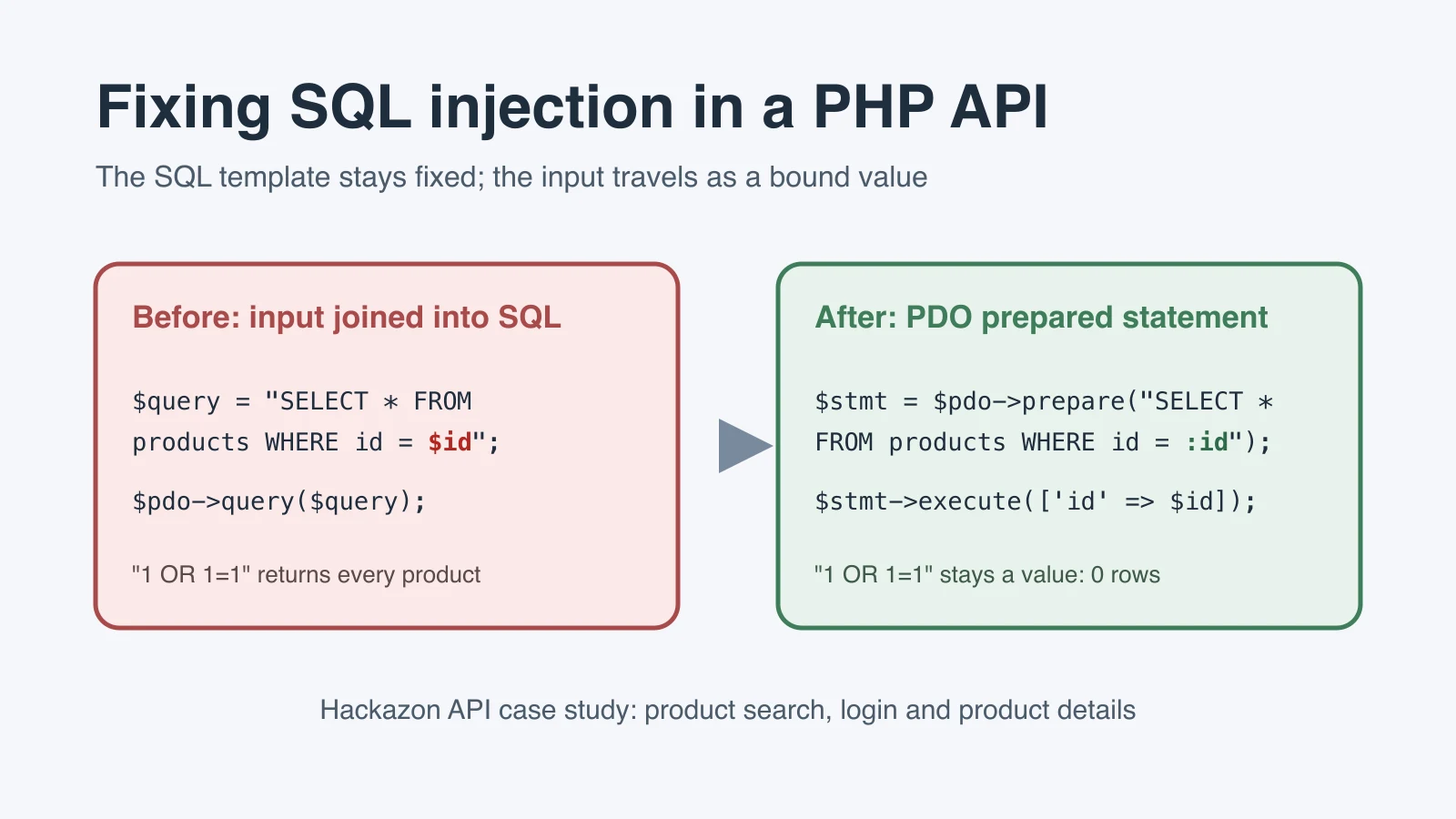
PHPHow to Fix SQL Injection in a PHP Mobile App API
See how three Hackazon API queries were changed from unsafe SQL concatenation to PDO prepared statements, then checked with RIPS and a Burp proxy.
Sep 29, 2026
-
 Machine Learning
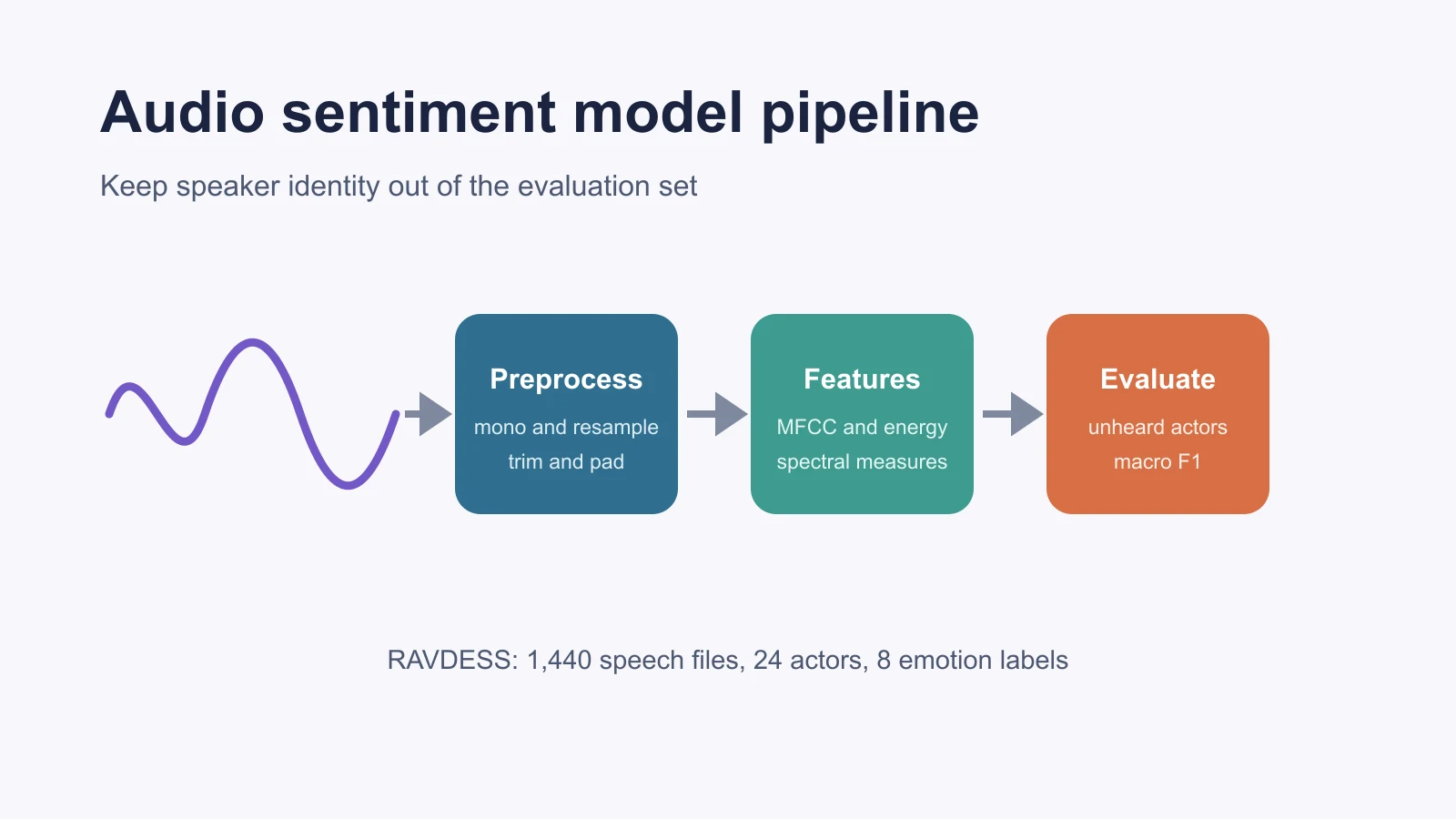
Building a Sentiment Analysis Model With Audio Data
Build and evaluate an audio sentiment model in Python using RAVDESS, librosa features, actor-grouped validation, and honest emotion labels.
Sep 23, 2026
-
 Machine Learning
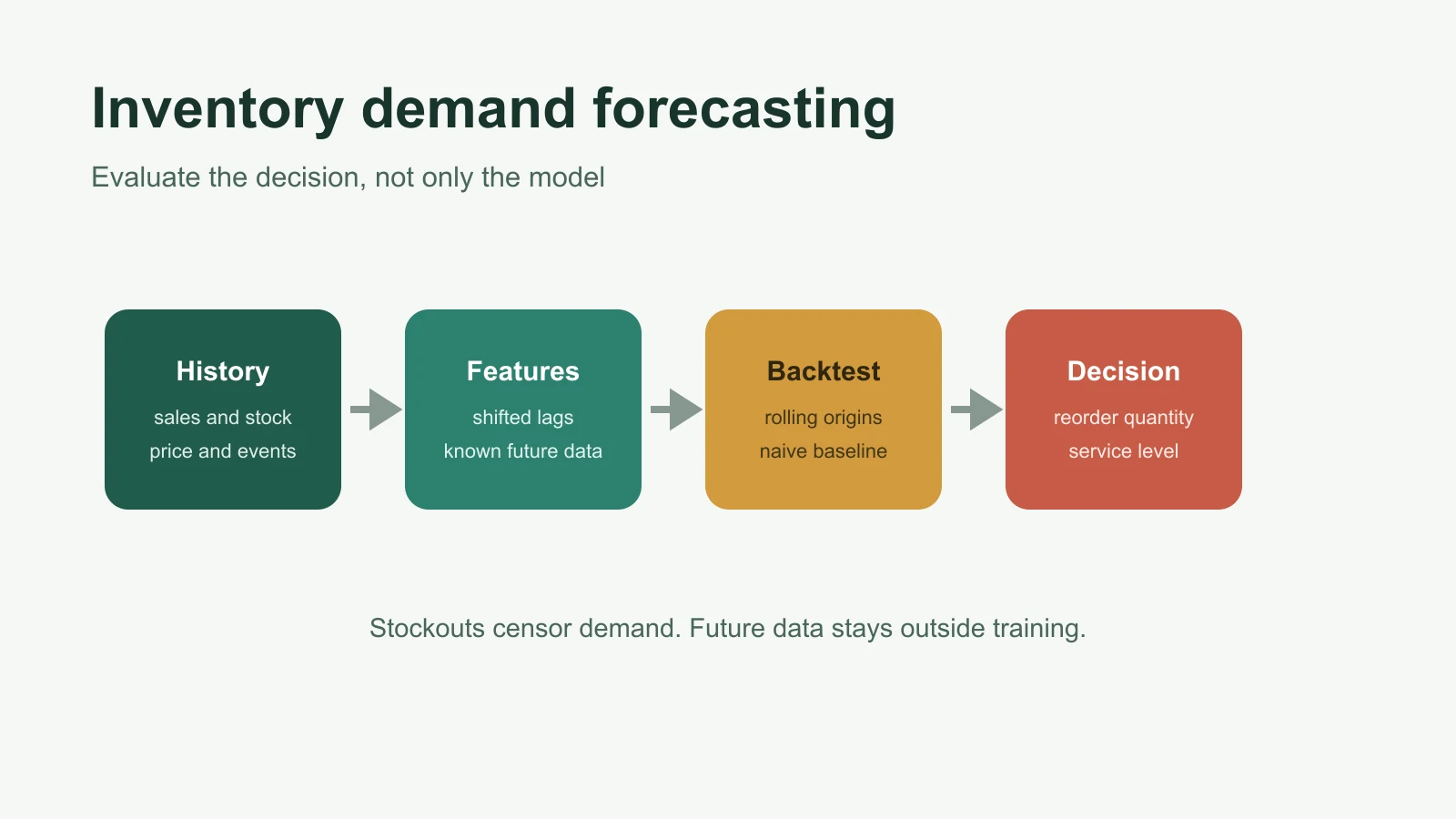
Building an AI-Based Inventory Demand Forecasting Model
Build an inventory demand forecast in Python with leakage-safe lag features, rolling validation, seasonal baselines, practical metrics, and monitoring.
Sep 23, 2026