Python
Python Game Development Libraries
Python is not the first language students reach for when building games, but it covers more ground than most expect. It connects to C/C++ libraries for performance-sensitive work, stays easy to script for rapid prototyping, and sits roughly between Flash-era performance and native compiled speed. Interpreted rather than compiled, so games run slower than C++ titles, but for coursework and personal projects that tradeoff is usually fine.
The following libraries cover the practical range from beginner-friendly 2D work through 3D rendering engines.

Python Game Libraries at a Glance
Seven libraries handle the majority of Python game work, each aimed at a different scope and skill level.
Pygame
Pygame has been the standard Python game library since 2001. It wraps SDL, the same C library behind 2D Linux games like Battle for Wesnoth, SuperTux, and StepMania. The community is large: over 1,000 registered projects live on the official site, including complete games and demos. Pygame runs on Linux, Windows, and macOS without porting issues, and the API is straightforward enough for beginners to build a working game in an afternoon.
One limitation: Pygame does not support hardware-accelerated graphics out of the box.
PyOpenGL
PyOpenGL is an OpenGL binding for Python. It pairs with Pygame to add the hardware acceleration that SDL does not provide. OpenGL is the open-source counterpart to DirectX and powers 3D rendering in games from Blizzard and Valve to open-source titles.
Using PyOpenGL requires more knowledge than Pygame alone. It adds an abstraction layer, so expect a steeper learning curve.
Pyglet
Pyglet combines 2D and 3D graphics with hardware acceleration in a single library, removing the need to pair Pygame with PyOpenGL. It uses OpenGL internally for most rendering calls. The tradeoff is that Pyglet exposes fewer of OpenGL’s advanced features than PyOpenGL does, and some users find the API slightly harder to learn than Pygame’s.
Development on Pyglet has been active and the library has been gaining users steadily.
Panda3D
Panda3D is a 3D-focused game engine with Python and C++ bindings. Disney has used it for several games. It is not suited for beginners: 3D game development requires understanding scene graphs, cameras, lighting, and collision detection before writing a single line of game logic. For coursework projects that require 3D, Panda3D is a viable choice once the fundamentals are in place.
Pymunk
Pymunk adds 2D physics simulation: polygons, rigid bodies, collisions, and joints. It wraps the Chipmunk physics library. If a game project needs realistic bounce, momentum, or stacking, Pymunk handles that without requiring a custom physics implementation. A video demo shows the range of simulations it supports.
Cocos2d
Cocos2d extends Pyglet with higher-level game features: sprite manipulation, scene transitions, particle effects, and animation. Pairing Pyglet with Cocos2d produces polished 2D results without writing low-level rendering code. For visual quality in a 2D project, this combination is worth the extra setup.
PyOgre
PyOgre is the Python binding for OGRE, a C++ 3D rendering engine with an active community. OGRE handles rendering only, so PyOgre needs companion libraries like PyOpenGL for a complete game stack. It suits projects that want a mature, well-documented 3D renderer with Python scripting.
The official Python wiki maintains a broader list of game libraries: wiki.python.org/moin/PythonGameLibraries.
Getting Help with Python Game Assignments
Coursework that involves Pygame, Pyglet, or any of these libraries falls under Python Assignment Help at GeeksProgramming. If the project requires physics with Pymunk, 3D with Panda3D, or a full Pygame game loop with collision detection and scoring, a developer with hands-on experience in these libraries can write, debug, and walk through the code with you.
Related reading: Python Pygame: Getting Started covers setting up Pygame and writing a first game loop. Efficient Python Algorithms Explained covers the algorithmic patterns that show up in game AI, pathfinding, and scoring systems.
Related articles
-
 Python
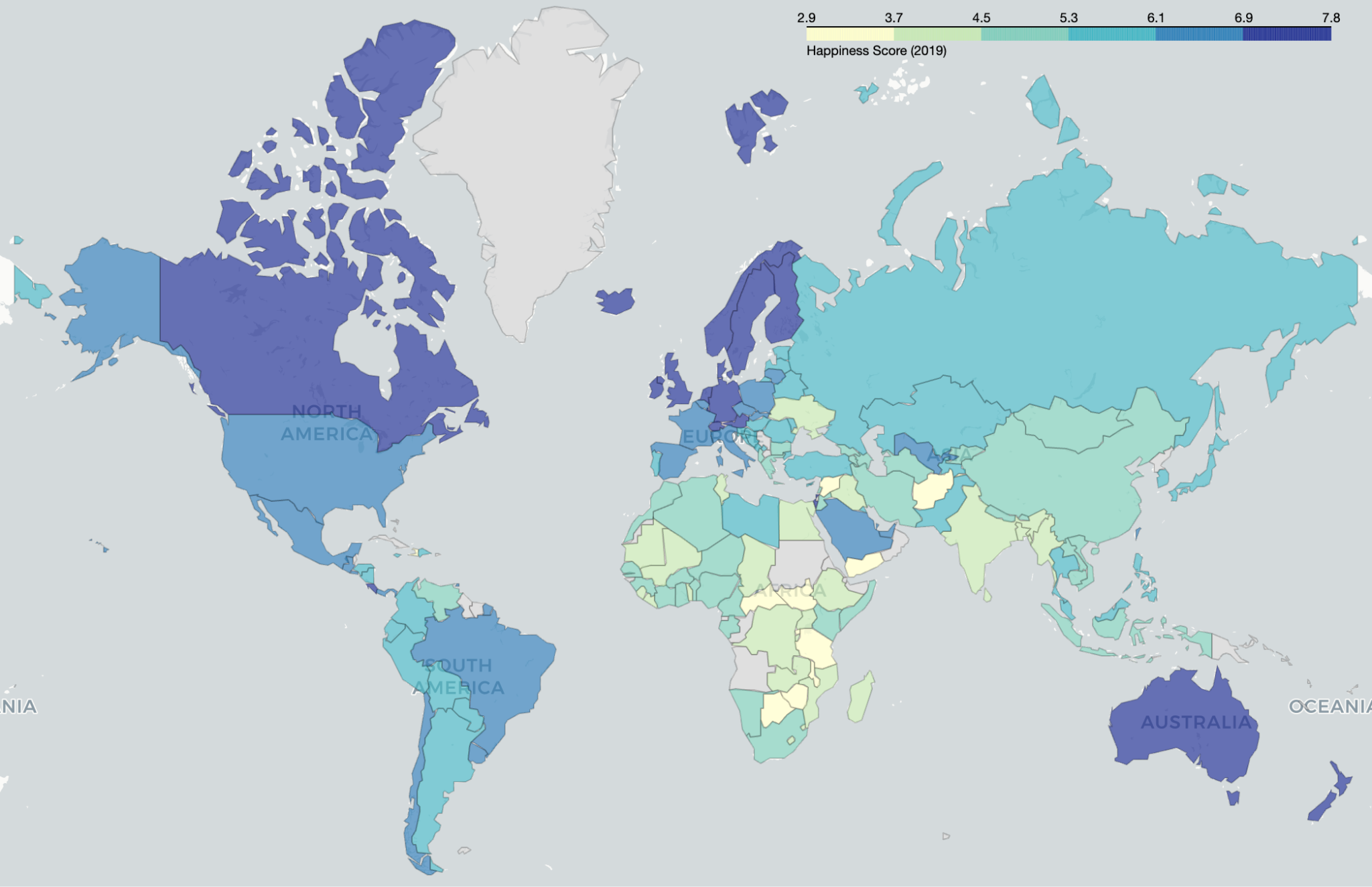
World Happiness Report Analysis in Python: 9 Visualizations
Analyze the World Happiness Report 2019 in Python with pandas, seaborn, and Folium. 9 charts across 156 countries, and the two columns everyone misreads.
Aug 22, 2026
-
 Machine Learning
Build a Movie Recommendation System in Python
Build a movie recommender in Python with content-based filtering, collaborative filtering, and a hybrid model, then evaluate it and ship it with Flask.
Jan 27, 2025
-
 Programming
How to Become a Python Developer
A step-by-step roadmap covering core Python concepts, libraries, frameworks, databases, testing, DevOps, and interview prep for aspiring Python developers.
Oct 26, 2024