Programming
Write Better Code: Names, Comments, Format

Anyone can learn to program. Writing code that other developers can read, extend, and debug weeks later is a different skill. The gap between the two is not talent. It is technique. This article covers the 3 most impactful categories: naming, comments, and formatting.
Why Maintainability Matters
Maintainable code reduces onboarding time for new team members, shrinks the surface area for bugs when adding new modules, and cuts time spent in code review. None of that happens automatically. It comes from applying consistent conventions every time you write a function or name a variable.
If you work on Computer Science Homework Help assignments, writing maintainable code also matters for grades: instructors and autograders alike penalize spaghetti logic even when the output is correct.
Naming
A variable named sum implies a sum was stored. A variable named sumMoney tells you exactly what was summed. The goal of naming is to give readers as much information as possible without forcing them to rely on surrounding context.

Pick one naming convention and hold it across the entire project. The two most common:
- camelCase: names start lowercase; each subsequent word is capitalized. Example:
calculateTotalTax(). - PascalCase: every word starts with a capital letter. Example:
CalculateTotalTax().
Use whichever convention the language or framework prefers. Java and C# favor PascalCase for types and camelCase for methods. JavaScript uses camelCase throughout. Mixing the two in the same project is the error.
Language consistency matters too. A codebase that has eliminateDuplicates() in one file and findUser() in another is readable. A codebase that mixes English and Spanish method names is not. Pick one language for all identifiers and keep it.
Avoid abbreviations unless they are universal. num, min, and max are universally understood. custRec for customer record is not. Write the full word.
Naming Functions
- Avoid ambiguity.
calculateAverage()is better thancalculate(). - Avoid redundancy. An attribute on a
Personclass does not need the word “Respondent” in front of its name.idis sufficient. - Use names that signal the return value:
getName(),generateRandomString(),isLoggedIn().
Naming Variables
- Boolean variables get an
isprefix.if (isComplete)reads like a sentence.if (complete)does not. - Match the name to the data type where possible.
agesuggests an integer.namesuggests a string.heightMetersis unambiguous. - Avoid special characters (
$,%) as type indicators. That convention predates modern IDEs; it adds noise without adding clarity. - Never use single-letter names (
a,b,i,j) outside of short loop counters where the scope is 3 lines or fewer. - Constants go in SCREAMING_SNAKE_CASE in most languages:
SERVER_URL,MAX_RETRY_COUNT. Match whatever the language guide says.
Comments
Good naming alone is not enough. Complex logic, non-obvious decisions, and edge-case guards all need prose. Comments are that prose.
Some practical rules:
- Update comments when you change the code they describe. A comment that contradicts the code is worse than no comment.
- Place comments above the line they describe, not at the end of the line. End-of-line comments work only when the line is short and the comment is separated by at least one tab.
- Before a deploy, remove TODO comments that are no longer relevant. A
// TODO: call that functionleft in production output is noise. - Write comments in complete sentences. Fragments like
// comptell the next reader nothing. - Comment code as you write it. Leaving it for later means losing the context that made the decision obvious in the moment.
- Avoid humor in comments. The joke that seems funny at 2 AM reads as noise six months later when someone is debugging at 2 AM for real.
- Comment what is not obvious. Do not comment
i++with// increment i. - Comment the why inside conditionals and loops.
// exit early if the cache is still warmis useful.// if checkis not. - Always leave a space after comment delimiters.
// this is a commentis readable.//this is badis not. - Use one comment style throughout a file. Pick either
//or/* */for single-line comments and stay there.
Before releasing, run a documentation generator against your codebase. Tools like JSDoc, Javadoc, and Doxygen convert structured comments into browsable HTML references that save future developers from reading source files.
Format
Formatting makes the logical structure of code visible before the reader understands the logic itself. Consistent formatting reduces parse time.
Indentation: use the number of spaces the language recommends. JavaScript: 2 spaces. Java, C#, Swift, Objective-C: 4 spaces. Configure your editor to insert spaces (not tabs) automatically.
Brace placement: match the language convention. JavaScript opens braces on the same line; C# opens on the line below:
// JavaScript
if (name === 'alice') {
  // do something
}
// C#
if (String.Compare(name, "alice") == 0)
{
// do something
}Method length: keep methods under 30 lines where possible. Lines over 80 characters usually indicate that a sub-expression should be extracted into a named variable.
Spacing around operators: add a blank line before and after operator-heavy blocks to improve scan speed:
function compare(a, b) {
  if (a > b) {
    return true;
  }
  return false;
}
Avoid unnecessary else. If an if block always returns or throws, the else branch is dead weight. The example above shows this: return false needs no else.
Comma spacing: always leave a space after each comma in argument lists:
function operate(operator1, operator2, operator3) {
  // do something
}
Group related lines with blank lines. Blank lines between logical groups act like paragraphs. Code about triangles belongs together; code about squares belongs in its own block:
// triangle
var triangle1;
var triangle2;
var triangle3;

// squares
var square1;
var square2;
var square3;

operate(triangle1, triangle2, triangle3);
operate(square1, square2, square3);
One statement per line. if (!closed) return; is technically valid in JavaScript and C, but it hides control flow from a quick scan:
// harder to scan
if (!closed) return;

// easier to scan
if (!closed) {
  return;
}
Organize by class file. One class per file. The file name matches the class name. This is the default in Java and C# for a reason.
Replace magic numbers with named constants. A loop that runs 7 times should say why it runs 7 times:
// opaque
for (var i = 0; i < 7; i++) {
  // ...
}

// clear
const DAYS_IN_WEEK = 7;
for (var i = 0; i < DAYS_IN_WEEK; i++) {
  // ...
}
Prefer switch over long if-else chains. When you evaluate the same variable against more than 3 fixed values, switch makes the intent explicit and is easier to extend.
Special Considerations
These apply when the language or architecture makes them relevant:
- Right-size your integers. In C#, a
short(16-bit) is sufficient for many counters where anint(32-bit) is overkill. Match the type to the data. - Keep variable scope small. Declare variables as close to the point of use as possible. A variable declared at the top of a 200-line function is invisible by the time it matters.
- Single-responsibility functions and variables. A function that calculates AND prints AND logs is three functions.
- Minimize public API surface. Prefer private attributes. Expose only what callers actually need; every public field is a contract you have to maintain.
- Use an ORM for database access. Writing raw SQL in application code means two concerns (data and logic) tangled in one layer. ORMs enforce the separation.
- Document casts. When you cast an object to a specific type and the reason is not obvious, add a comment explaining why the cast is safe.
- Use try-catch-finally for error handling. Uncaught exceptions crash programs. Caught exceptions let you recover, log, and give users a useful error message instead of a stack trace.
- Log early and log specifically.
console.log("error")is useless in production.logger.error("payment failed", { orderId, userId, reason })is not. - Create typed exceptions. Subclass the base
Exceptionclass (orSQLException,IndexOutOfRangeException, etc.) for domain-specific failure modes. Callers can then catch exactly what they mean to handle. - Avoid global variables. Every global is hidden state. Hidden state makes testing harder and debugging slower.
Apply It
Naming, commenting, and formatting are not stylistic preferences. They are the infrastructure that lets a codebase grow without becoming unmanageable. Apply them from the first file of every project. Retrofitting conventions onto a large codebase costs more than establishing them at the start.
For more on patterns that span the entire software development lifecycle, see 15 Best Practices for Software Development or C++ Best Practices for Clean Code if your project is in C++.
Need the code to work AND be readable? Computer Science Homework Help pairs you with a developer who writes and explains both.
Related articles
-
 Java
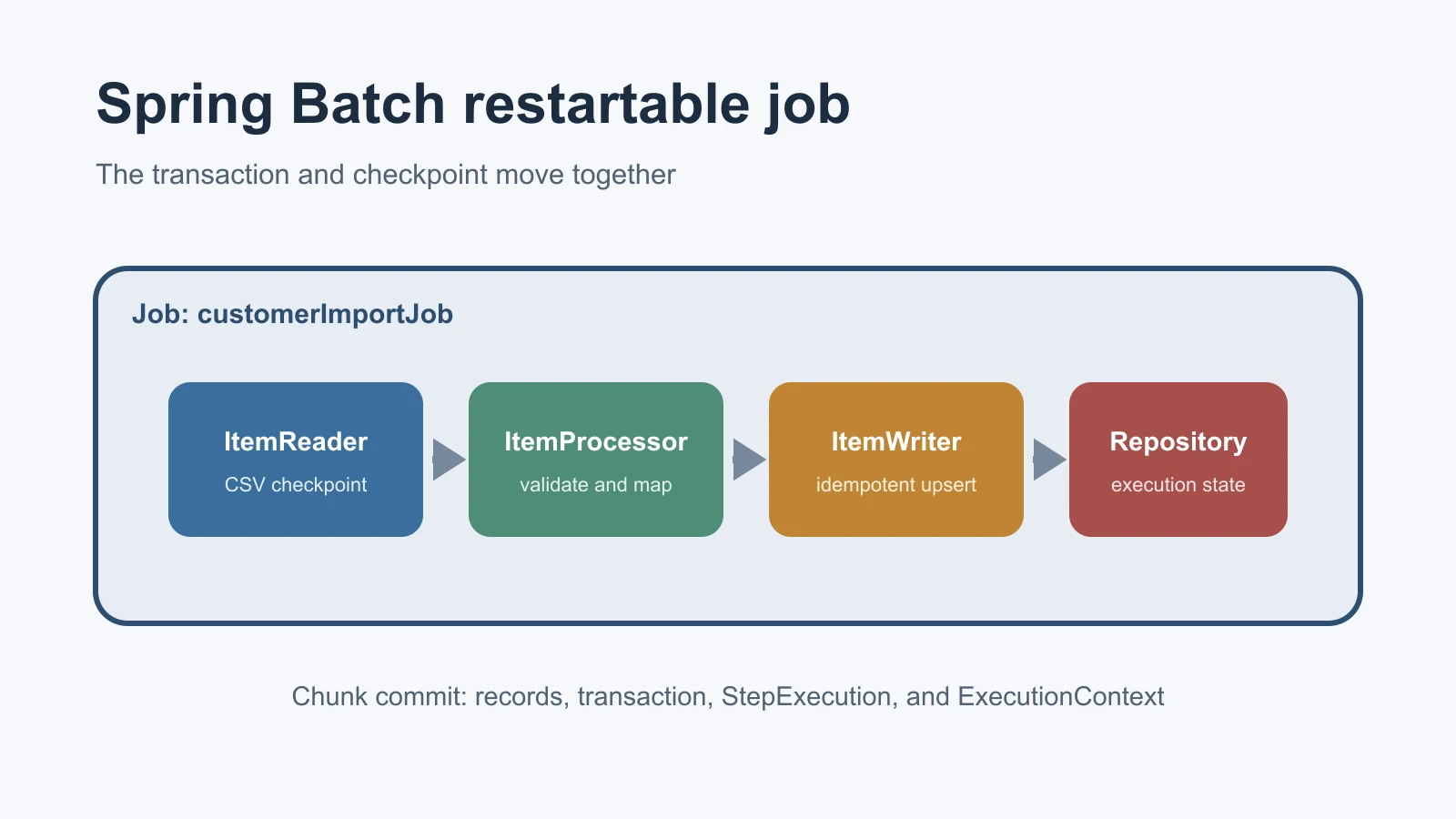
JavaSpring Batch: A Practical Guide to Restartable Jobs
Learn Spring Batch 6 through a restartable CSV-to-database job covering jobs, steps, chunks, metadata, fault tolerance, parameters, testing, and scaling.
Sep 23, 2026
-
 Programming
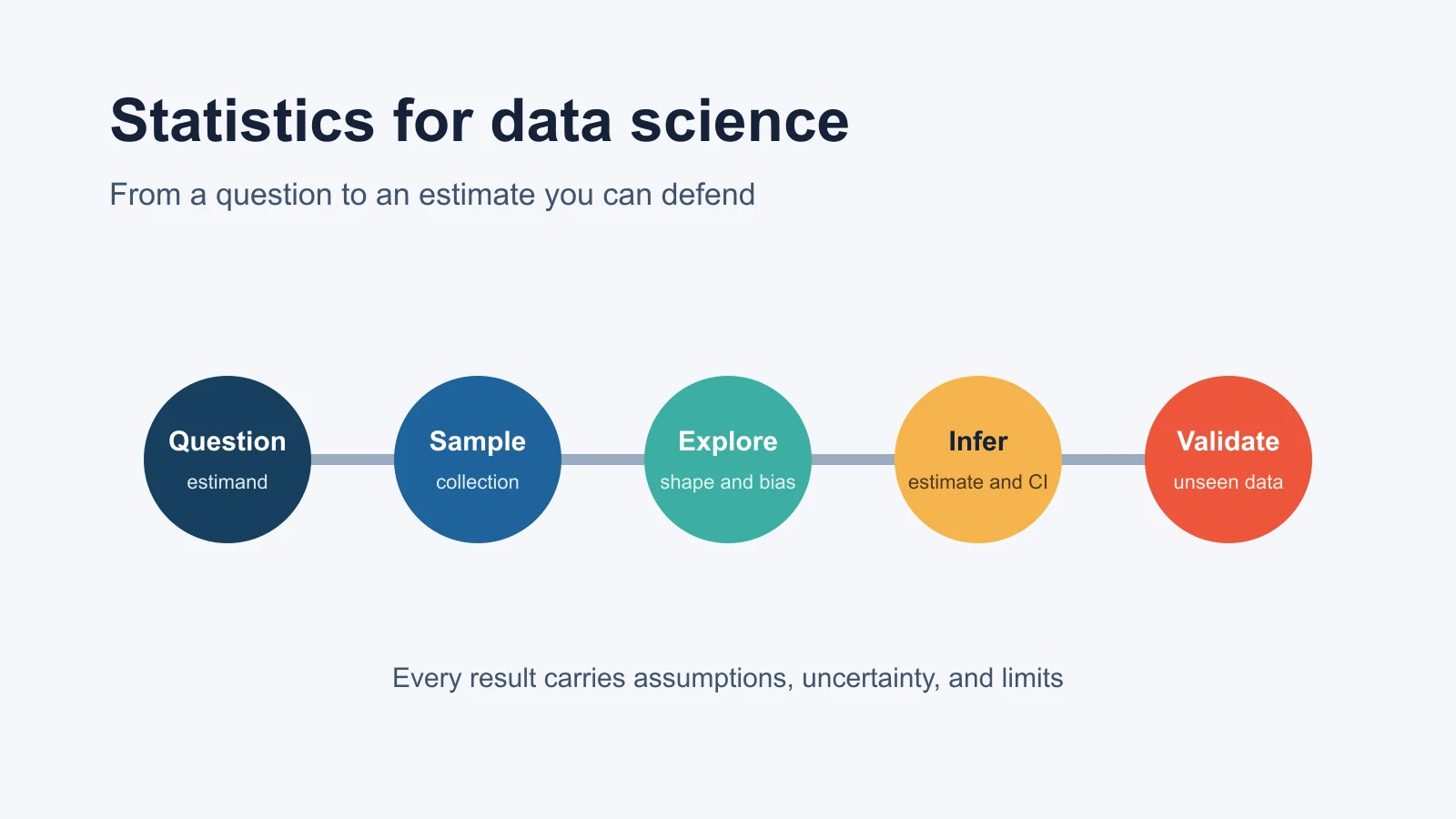
Statistics for Data Science: Complete Guide with Examples
Learn the statistics behind data science with Python examples on distributions, sampling, confidence intervals, hypothesis tests, regression, and leakage.
Sep 23, 2026
-
 Case Study
Autograder Fixed in Under 24 Hours: 100/100
How our networking expert diagnosed a broken distance vector routing submission and delivered a 100/100 autograder score before the deadline.
Sep 2, 2025