Programming, Python
How to Become a Python Developer
Python ranks among the most in-demand programming languages across web development, data science, machine learning, and automation. Its readability makes it approachable for beginners, and its library ecosystem keeps experienced developers productive across every major field.
Python’s ecosystem has grown to cover data pipelines, web APIs, automation scripts, and deep learning models. That breadth drives consistent employer demand. Companies look for Python developers who can build scalable APIs, analyze datasets, and automate complex workflows.
Becoming a Python developer requires more than learning syntax. You need to understand core programming concepts, master the libraries that matter for your target domain, and build a portfolio of working projects. This guide walks you through each step in the right order.
Core Concepts and Prerequisites
Start here before touching any framework or library. These fundamentals underpin everything you will build.
Learn the Python Basics
Variables and data types are the first thing to internalize. Python assigns types dynamically, and you will work with these four constantly:
- Integers (whole numbers)
- Floats (decimal numbers)
- Strings (text)
- Booleans (
True/False)
Operators come next. Python uses arithmetic operators (+, -, *, /), comparison operators (==, !=, <, >), and logical operators (and, or, not).
Flow control structures direct execution:
- Conditional statements (
if,else,elif) let code make decisions. - Loops (
for,while) repeat execution until a condition clears.
Get comfortable with these before moving on. They appear in every section of the roadmap.
Work with Python’s Standard Library
Three modules that come up constantly in real work:
requests: sends HTTP requests. Use it to call APIs or scrape sites.os: interacts with the filesystem and operating system. Read/write files, navigate directories, run shell commands.math: exposes standard mathematical functions including trigonometry and logarithms.
Understanding these reduces development time on tasks that show up in nearly every project.
Learn Version Control with Git
Git tracks changes, lets you roll back to any earlier state, and enables collaboration without overwriting each other’s work. Commands you need from day one: commit, push, pull, and merge.
GitHub is where most Python projects live publicly. Hosting your own repositories there also makes your work visible to employers and open-source collaborators.
Programming Fundamentals
Two areas to master before writing production code: data structures plus algorithms, and object-oriented programming.
Data Structures and Algorithms
Python ships with four core data structures you will use in almost every program:
- Lists: mutable, ordered collections that support indexing, slicing, and appending.
- Dictionaries: key-value stores that retrieve data in O(1) average time.
- Sets: unordered collections of unique elements, useful for union, intersection, and difference operations.
- Tuples: immutable sequences for data that must not change during execution.
Beyond the structures, learn the basic algorithms: linear search, binary search, bubble sort, and merge sort. Study Big O notation to reason about time and space complexity. Employers ask about this in technical screens.
Object-Oriented Programming
Object-Oriented Programming (OOP) organizes code by modeling real-world entities as objects. Four principles drive it:
- Classes: blueprints that define the data and methods for a type of object.
- Inheritance: a child class takes on attributes and methods from a parent class, enabling code reuse.
- Polymorphism: different classes share a common interface, so one function can operate on multiple types.
- Encapsulation: restricts direct access to internal state, protecting data integrity.
Larger projects become unmanageable without OOP. Learn it early so it is second nature when you need it.
Python Environment Setup
Get your environment right before writing a single line of project code.
Install Python
Download the latest stable version from python.org. Python runs on Windows, macOS, and Linux.
- Windows: run the installer and check “Add Python to PATH” so you can call Python from the terminal.
- macOS/Linux: most distributions include a Python version, but install a current build via
brew(macOS) orapt(Debian/Ubuntu).
Verify the installation:
python --versionChoose an IDE
Three editors cover most Python work:
- PyCharm: a dedicated Python IDE with code navigation, integrated testing, and refactoring tools. Best for larger projects. Download from jetbrains.com.
- VS Code: lightweight and extensible. Python extensions add linting, debugging, and formatting. Works well at any scale. Install from code.visualstudio.com.
- Jupyter Notebooks: lets you run code in cells and see output inline. Standard for data science and teaching.
pip install jupyterUse Virtual Environments
Virtual environments isolate dependencies per project. Without them, library versions from different projects conflict.
With virtualenv:
pip install virtualenv
virtualenv venv
Activate on macOS/Linux:
source venv/bin/activateActivate on Windows:
venv\Scripts\activateWith pipenv, dependency management and environment creation combine into one step:
pip install pipenv
pipenv install
Use a virtual environment for every project, always.
Working with Databases
Most real applications persist data. You need to know relational databases and at least one ORM.
SQL Basics
SQL is the language for querying and managing relational databases. Start with SQLite, which ships with Python and runs without a separate server. Python’s built-in sqlite3 module connects to it directly.
CREATE TABLE users (
    id INTEGER PRIMARY KEY,
    name TEXT NOT NULL,
    age INTEGER
);
As applications grow, switch to PostgreSQL or MySQL for production workloads. Both support concurrent connections and large datasets. Connect Python to PostgreSQL via psycopg2, or to MySQL via mysql-connector-python.
ORM: Object Relational Mapping
ORMs let you interact with databases using Python classes rather than raw SQL. Two options dominate:
SQLAlchemy works with multiple database backends and handles complex queries through Python objects:
from sqlalchemy import Column, Integer, String, create_engine
from sqlalchemy.ext.declarative import declarative_base

Base = declarative_base()

class User(Base):
    __tablename__ = 'users'
    id = Column(Integer, primary_key=True)
    name = Column(String)
    age = Column(Integer)

engine = create_engine('sqlite:///example.db')
Base.metadata.create_all(engine)
Django ORM comes built into Django and uses a simpler model API:
from django.db import models

class User(models.Model):
    name = models.CharField(max_length=100)
    age = models.IntegerField()
Both reduce SQL injection risk and make database code easier to read and test.
Back-End Development
Back-end development is where Python’s web frameworks shine. Pick a framework based on project size and control requirements.
Web Frameworks
Django follows a “batteries-included” philosophy. It ships with authentication, an admin interface, routing, and ORM in one package. Use it for larger applications: e-commerce platforms, content management systems, multi-tenant SaaS products. A good first Django project is a simple blog with user-created posts.
Flask is a micro-framework. It provides routing and request handling, then leaves the rest to you. Better for smaller applications or when you want to choose each component yourself. Build a personal portfolio site or a basic CRUD app to get started with Flask.
FastAPI is worth learning alongside Flask. It supports async request handling and generates OpenAPI docs automatically. Use it when response time and throughput matter.
REST APIs
RESTful APIs let different systems communicate over HTTP. Flask handles basic REST routing cleanly; add Flask-RESTful to simplify endpoint organization. FastAPI is a stronger choice for high-throughput APIs.
Test your endpoints with Postman. It lets you send GET, POST, PUT, and DELETE requests and inspect each response, which is essential for debugging during development.
Front-End Basics
Python developers focus on the back end, but understanding the front end makes you more effective when integrating the two layers.
HTML, CSS, and JavaScript
HTML defines page structure: headings, paragraphs, forms, and links. Knowing it helps you read templates in Django and Flask and understand what the back end is serving.
CSS styles HTML elements. You do not need to master it, but knowing how to apply basic styles and use a framework like Bootstrap speeds up the look of any prototype you build.
JavaScript adds interactivity. It handles form validation, dynamic content updates, and API calls from the browser. If you plan to build full-stack applications, learn how JavaScript fetches data from a Python back-end. Familiarity with React or Vue.js is useful if you move toward full-stack roles.
Data Science and Machine Learning
Python dominates this space. If your career target is data-driven, these libraries are non-negotiable.
Data Science Libraries
- Pandas: the standard for data manipulation. DataFrames let you filter, group, merge, and aggregate datasets with concise syntax.
- NumPy: provides high-performance multi-dimensional arrays and matrix operations. Pandas is built on top of it.
- Matplotlib: produces static, animated, and interactive plots. Use it alongside Pandas and NumPy to visualize what your data contains.
For more on applying these libraries to real problems, see the Python Assignment Help page, which covers common course assignments across data science and analysis.
Machine Learning Libraries
- Scikit-learn: covers classification, regression, clustering, preprocessing, and model evaluation. The right starting point for most machine learning tasks.
- TensorFlow: Google’s framework for large-scale deep learning and production model serving.
- PyTorch: preferred in research for its dynamic computation graph and cleaner Python API. Both TensorFlow and PyTorch support GPU acceleration.
For a broader introduction to how these tools connect, read Machine Learning with Python.
Automation and Scripting
Python is the standard choice for automating repetitive tasks.
Automate with Python
File automation via the os and shutil modules handles renaming, moving, copying, and processing batches of files. Write a script once; run it whenever the task recurs.
Web scraping extracts data from sites. BeautifulSoup parses static HTML. Selenium controls a real browser for sites that require login or dynamic rendering.
Task scheduling via APScheduler runs Python functions at set intervals. Automated reports, nightly backups, and periodic data pulls all fit this pattern.
Testing
Tests catch bugs before users do. Write them throughout development, not as an afterthought.
Unit Testing
unittest is Python’s built-in testing framework. It uses an object-oriented approach and is a solid starting point.
pytest is the more popular option in production codebases. Its fixture system and plugin ecosystem handle everything from simple unit tests to integration and end-to-end tests. The syntax is shorter and easier to read than unittest.
Track what your tests actually cover with Coverage.py. It reports which lines ran during a test run and which did not, showing you exactly where gaps exist.
Python DevOps
Deployment automation keeps your applications consistent and your release process repeatable.
CI/CD Pipelines
Continuous Integration (CI) runs tests automatically when code changes are pushed. Continuous Deployment (CD) deploys passing builds without manual steps.
GitHub Actions triggers workflows on events like commits or pull requests. Configure it to run your tests, build artifacts, and deploy in sequence. Jenkins gives more flexibility for complex multi-stage pipelines where you need full control over each phase.
A basic pipeline: push code, tests run automatically, passing builds deploy to staging. Failures block the deployment.
Docker
Docker packages your application and its dependencies into a container that behaves the same on any machine. Define the environment in a Dockerfile:
FROM python:3.12-slim
WORKDIR /app
COPY requirements.txt .
RUN pip install -r requirements.txt
COPY . .
CMD ["python", "app.py"]
Build and run the container the same way locally, in CI, and in production. The “works on my machine” problem disappears.
Advanced Topics
Two advanced areas that separate mid-level from senior Python developers.
Asynchronous Programming
Modern applications handle multiple I/O operations at once. Synchronous code blocks on each one. asyncio solves this with coroutines: tasks that yield control while waiting, letting other tasks run.
Use async and await to write non-blocking functions:
import asyncio

async def fetch_data():
    await asyncio.sleep(1)  # simulates a network call
    return {"status": "ok"}
FastAPI is built on asyncio and handles thousands of concurrent requests efficiently because of it. Learn async patterns before you need them in production.
Decorators and Context Managers
Decorators modify a function’s behavior without touching its body. Common uses: logging execution time, enforcing authentication, and caching results.
def my_decorator(func):
    def wrapper():
        print("Before the function.")
        func()
        print("After the function.")
    return wrapper

@my_decorator
def say_hello():
    print("Hello!")
Context managers handle resource acquisition and cleanup automatically, even when exceptions occur. The with statement covers file handles, database connections, and network sockets:
with open('file.txt', 'r') as file:
    content = file.read()
Implement __enter__ and __exit__ to write your own context managers for custom resource types.
Build Projects
No amount of reading replaces building. Projects are how you learn and how you prove it to employers.
Portfolio Projects
Start with something that uses a database, user input, and a web interface. A task manager with CRUD operations, user accounts, and a REST API covers Django, SQLAlchemy, and HTTP methods in one project. From there, add a data analysis project using Pandas and NumPy, or a web scraper that collects and processes live data. See writing efficient algorithms in Python for techniques that will improve any data-processing project you build.
Prioritize quality over quantity: document your code, write tests, and optimize the bottlenecks. A well-built project with clear documentation outweighs five quick ones.
Contribute to Open Source
Open-source work exposes you to large codebases and gives you experience solving real problems other people care about. Search GitHub for Python repositories tagged good first issue. Start with bug fixes and documentation improvements. Over time, contribute features. The network you build through open source often leads directly to job opportunities.
Python for Specific Domains
Python fits several distinct career paths. Pick one to specialize in or build breadth across a few.
Web Development
Django handles complex applications with built-in authentication, routing, and an admin interface. Flask fits smaller applications or cases where you want to choose your own components. Both produce RESTful APIs, authentication systems, and full-stack applications. Back-end web development in Python is one of the most employable specializations.
Data Science and Machine Learning
Start with Pandas for data manipulation and NumPy for numerical computing. Once you can clean and explore datasets reliably, move into machine learning with Scikit-learn. Deep learning projects use TensorFlow or PyTorch. Python’s depth in this domain makes it the default language for data roles at most companies.
DevOps and Automation
Boto3 manages AWS resources from Python scripts, covering S3, EC2, Lambda, and more. Fabric and Paramiko handle SSH-based automation. Python integrates into CI/CD pipelines for deployment scripting and test automation. Cloud and platform engineering roles increasingly expect Python proficiency.
Game Development
Pygame provides a straightforward API for 2D game development. Use it for prototyping or building smaller games. For more complex projects, Python serves as a scripting language inside engines like Godot. It is not the primary language for AAA games, but it is a practical tool for indie development and game scripting.
Interview Preparation
Technical interviews for Python roles test both algorithmic thinking and language-specific knowledge.
Coding Challenges
LeetCode, HackerRank, and Codewars remain among the practice platforms recommended to aspiring Python developers as of 2026, covering the problem types that show up in interviews: array manipulation, sorting, graph traversal, dynamic programming, and string processing. Practice a few problems daily rather than cramming. Focus on correctness first, then optimize for time and space complexity. Employers follow up asking how you would improve the solution, so be ready to discuss tradeoffs.
Python’s standard library provides useful tools during these exercises. The collections module’s defaultdict, Counter, and deque solve common patterns concisely. List comprehensions and generators are faster and more Pythonic than equivalent loops in many cases.
Behavioral Interviews
Behavioral questions probe how you work with others. Prepare answers for questions about team conflicts, how you handled a project that went wrong, and how you prioritize under pressure. Use the STAR format (Situation, Task, Action, Result) to keep answers concrete and complete.
Explain your reasoning aloud during live coding exercises. Interviewers evaluate communication as much as correctness, and the ability to talk through a problem while writing code signals you can collaborate on a real team.
Best Practices
These habits compound over time. Build them early.
- Write clean code. Use meaningful names for variables and functions. Follow PEP 8. Break complex functions into smaller ones. Readability saves time for every person who reads the code after you, including yourself six months later.
- Document your work. Write docstrings for every function and class. Add comments where the intent is not obvious from the code. Good documentation is what makes open-source contributions and collaborative projects sustainable.
- Commit often and clearly. Frequent commits with specific messages make it easy to find where a bug was introduced and to revert specific changes without losing other work.
- Write tests before shipping. Unit tests catch regressions. Test-driven development (TDD) forces you to clarify what a function should do before you write it.
- Stay current. Python releases a new minor version each October. Libraries like NumPy, Django, and FastAPI update frequently. Follow the Python Enhancement Proposals (PEPs) for language changes and read release notes for the libraries you use.
- Contribute to open source. Every contribution teaches you something that solo projects cannot: reading others’ code, code review culture, and how to communicate technical decisions to strangers.
Becoming a Python developer is a progression, not a destination. Start with the core language, build projects in a domain that interests you, and keep reading about the libraries and patterns used by developers doing the kind of work you want to do. Each project adds a layer of experience that the next one builds on.
For hands-on support with Python assignments or coursework, the Python Assignment Help service connects you with developers who specialize in the exact version and framework your course requires.
Related articles
-
 Programming
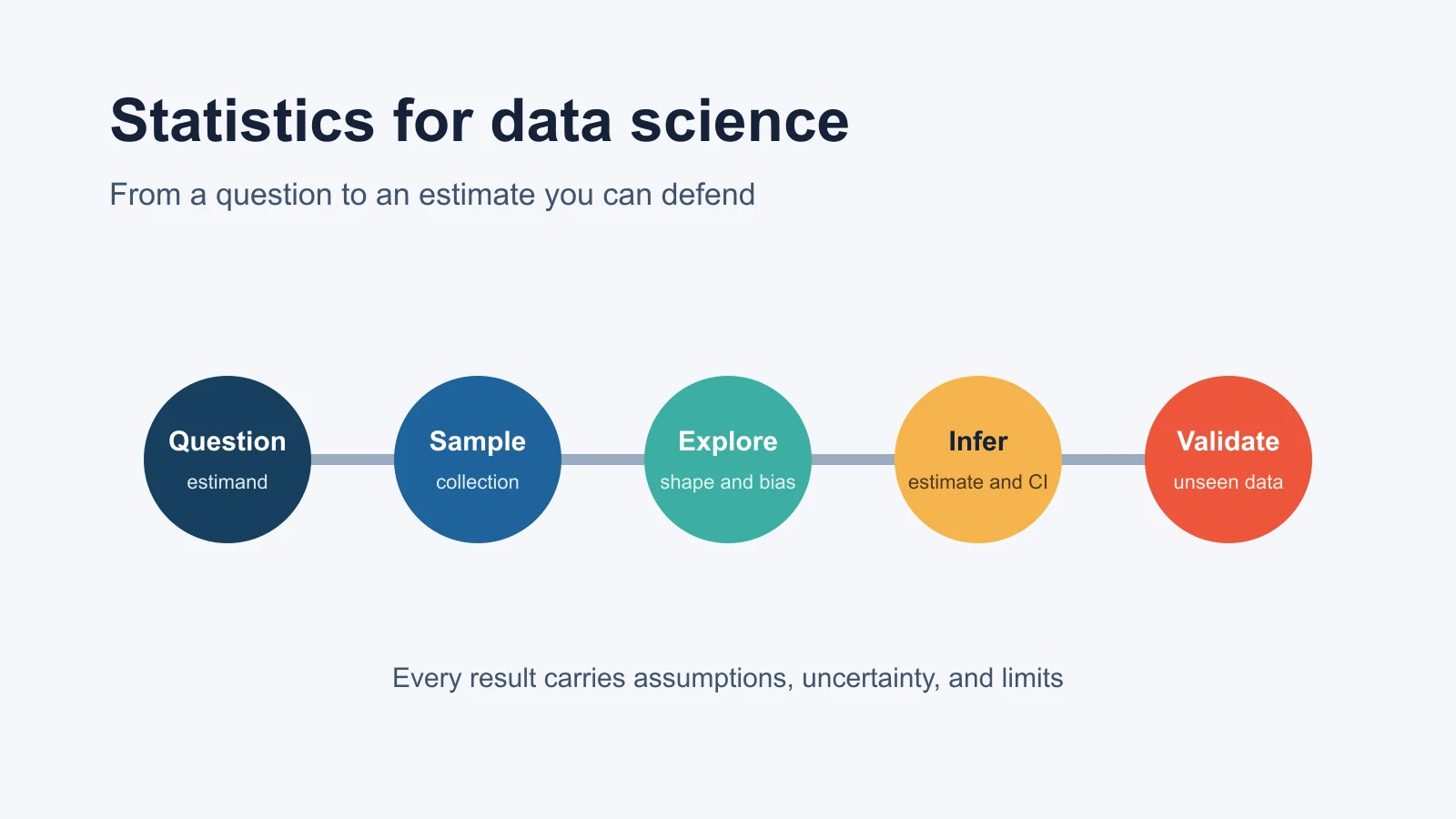
Statistics for Data Science: Complete Guide with Examples
Learn the statistics behind data science with Python examples on distributions, sampling, confidence intervals, hypothesis tests, regression, and leakage.
Sep 23, 2026
-
 Programming
Python Files and Directories Explained
Learn how to work with files and directories in Python using the os and glob modules, covering absolute paths, relative paths, and directory listing.
Feb 27, 2023
-
 Machine Learning
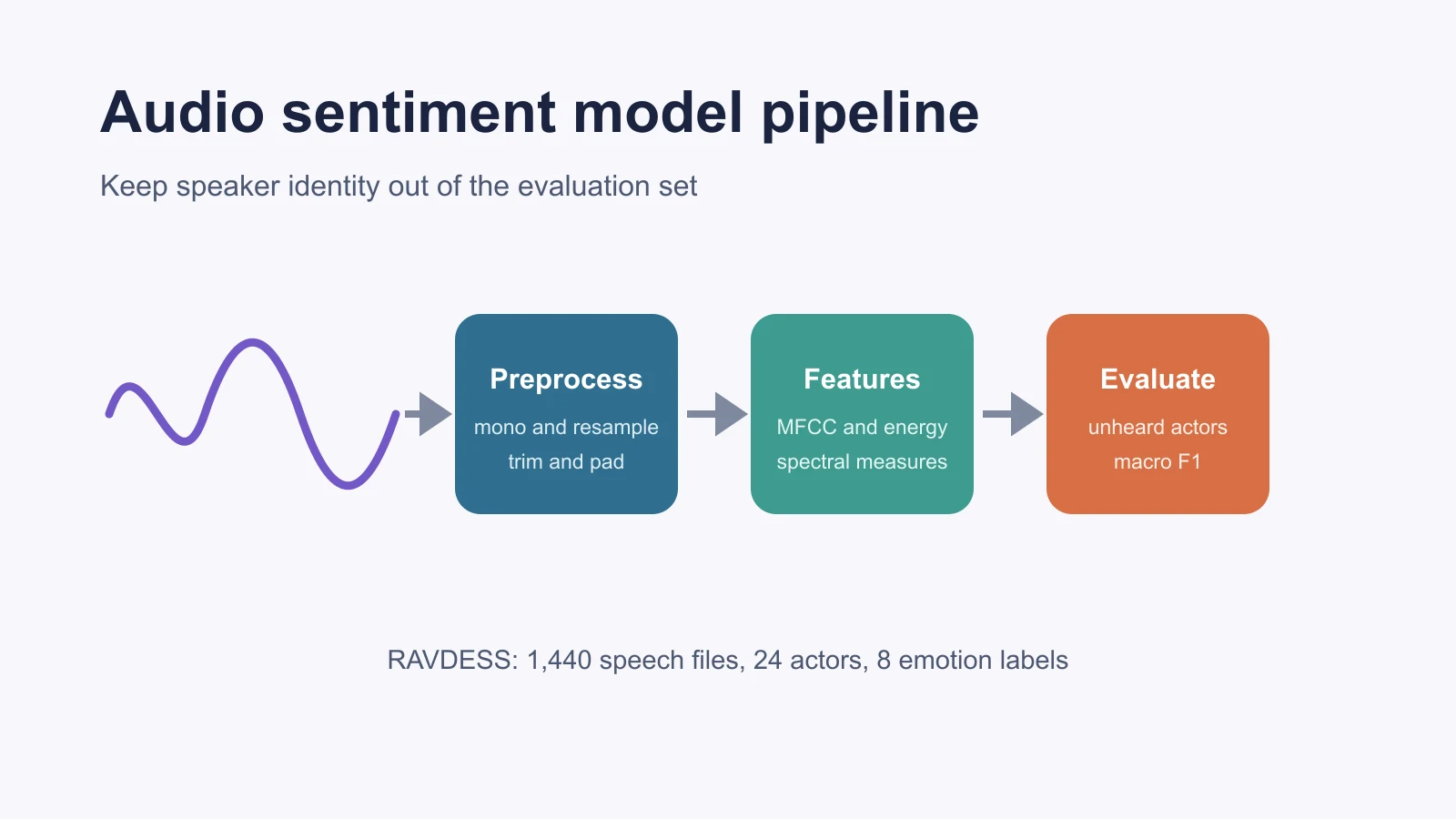
Building a Sentiment Analysis Model With Audio Data
Build and evaluate an audio sentiment model in Python using RAVDESS, librosa features, actor-grouped validation, and honest emotion labels.
Sep 23, 2026